Learn to play trading card games by making the moves yourself. Pick a game, follow its interactive tutorial and build confidence against AI.
Free to play · No account · No installation
Your next game starts here.
Two games ready to learn. Start from the basics, at your own pace.
Available now
8 guided lessons / 11 languages
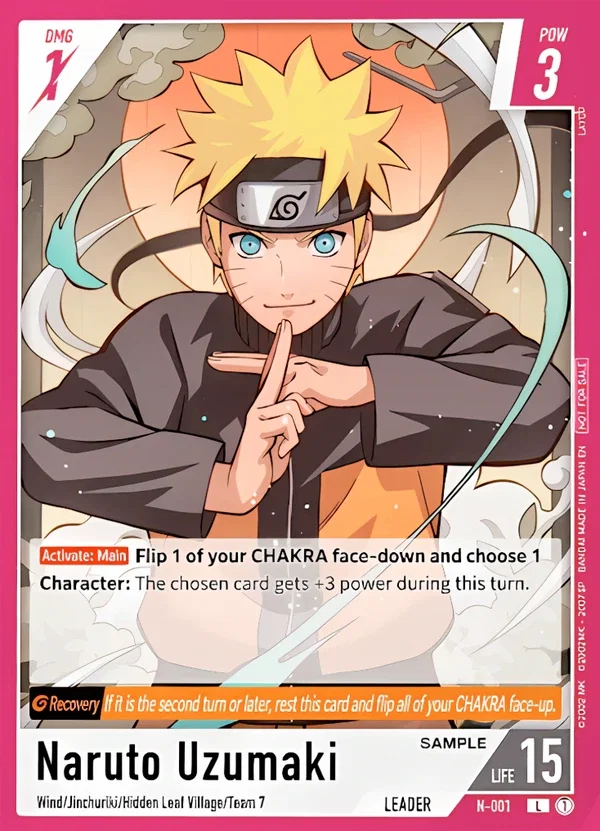
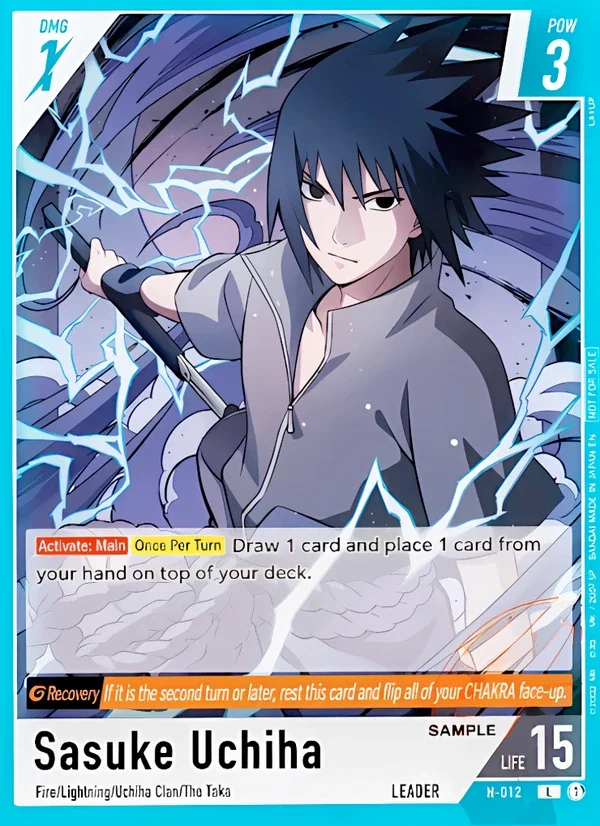
Learn to play Naruto
Meet your Leader, find your way around the board and spend your first Chakra. Learn how Characters, Supports and the response chain work together, one move at a time.
Start with the board tour, then try summoning a Character, setting a Support and attacking. The course builds toward responding on your opponent’s turn and bringing their Leader’s Life to zero. When you feel ready, choose the Naruto or Sasuke demo deck for a practice match. You can also try the puzzle challenges.
Available now
19 guided lessons / 11 languages
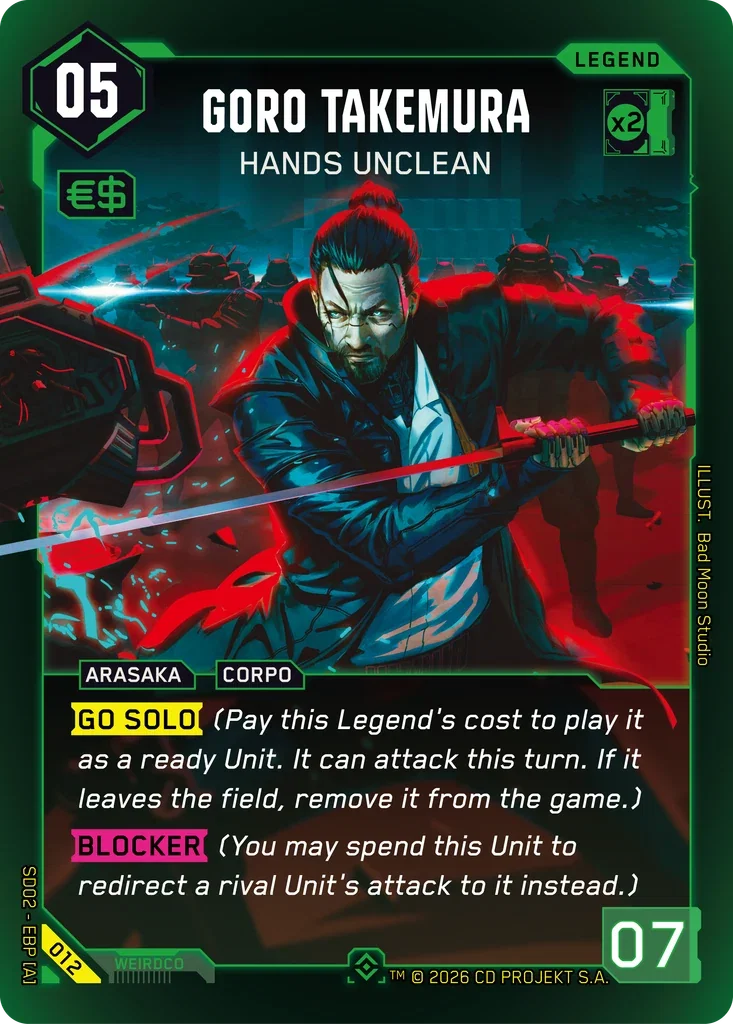
Learn to play Cyberpunk TCG
Take your first steps in Night City. Get to know Eddies, Legends and Gigs before moving on to combat, dice, Gear and Programs in guided situations.
Begin with the goal of the game and a tour of the play areas. The lessons introduce resources and actions before exploring interactions and timing. Practice with the two Welcome to Night City starters, The Heist and Embracing Power. Choose a deck for yourself and your AI opponent, then put what you have learned into a match.
From “what does this do?” to your first match.
A trading card game is easier to understand when you can connect a rule to something happening on the board. These tutorials let you read an explanation, see the relevant area and perform the action yourself. You do not need to build a deck or know the card pool before starting.
01
Start with the basics
Open a game and choose its guided tutorial. The first lessons explain the objective, the board and the role of your cards. Follow the highlighted areas and take time to read before moving on.
02
Try one mechanic at a time
Work through short, replayable lessons instead of learning every interaction at once. The guided situations show where to act and give you room to connect resources, card effects and turn order. Revisit a lesson whenever you need a reminder.
03
Put it into practice
When the basics feel familiar, choose one of the available decks and start a game against AI. Practice at your own pace, look at the match history and return to the tutorial to review an unfamiliar mechanic.
Before your first turn
Do I need cards, a download or an account?
No. The tutorials and practice matches run directly in your browser, with prepared decks included. You do not need physical cards or an ExBurst account to begin. An internet connection and JavaScript are needed to load and play the games.
Can I learn on my phone?
Yes. The interface adapts to phones, tablets and larger screens. On a wide screen, the board gives the game’s zones more room; on mobile, it uses a compact layout. All guides and interactive lessons are available in 11 languages. Choose a language from the menu.
Is this an official rules reference?
No. ExBurst Learn & Play is an independent learning and practice tool, not an official publisher service or a replacement for the published rulebook. It covers the lessons and decks offered here, not every card or format. For tournament rulings and rule updates, consult the game’s publisher.
Ready to take your first turn?
Choose a game above and open its guided tutorial. You can begin with the first lesson, repeat the parts you want to understand better and move into a practice match when you are ready.


 Available now